
Bleeding Hearts
A downloadable game for Windows and macOS
︵‿︵‿୨♡୧‿︵‿︵
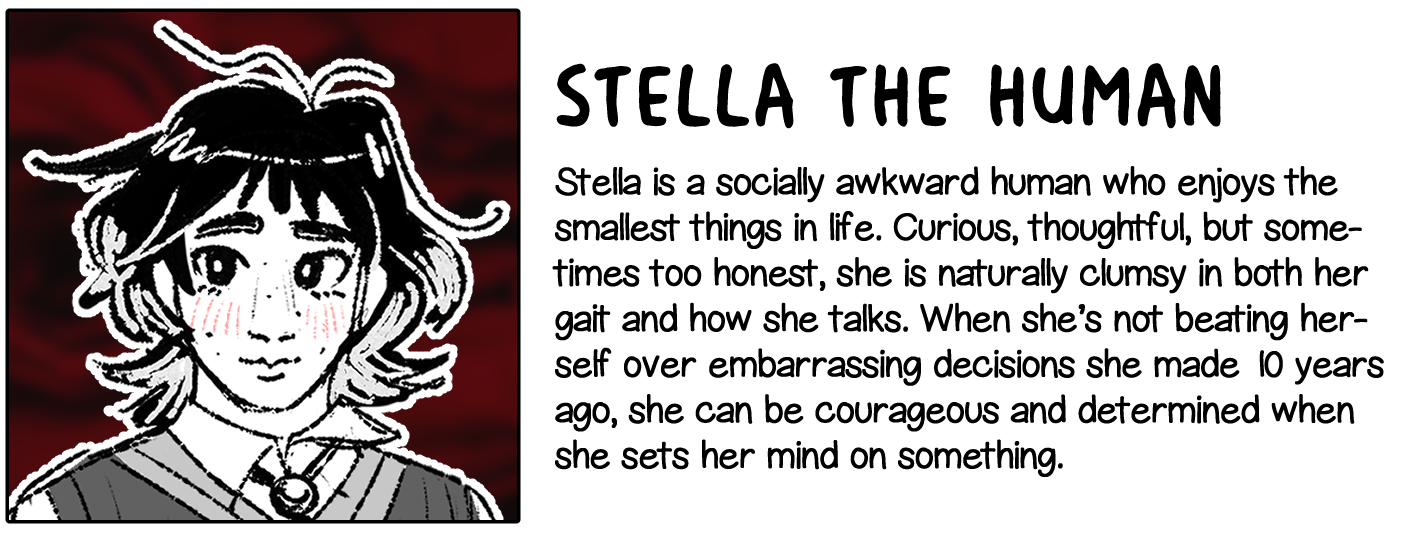
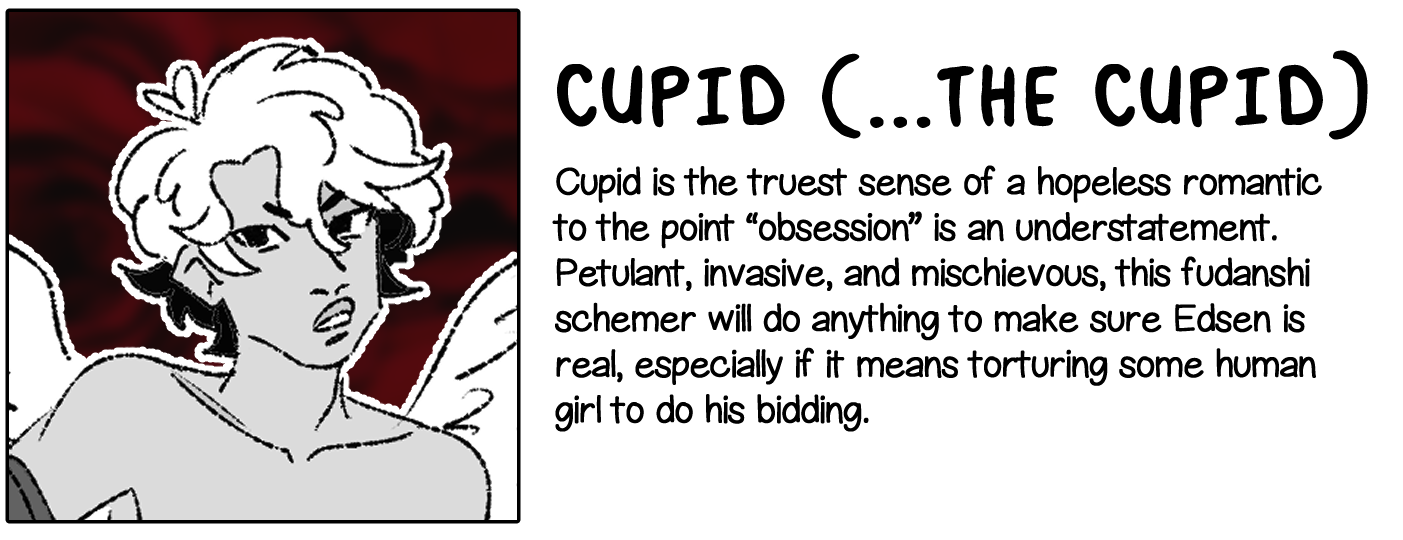
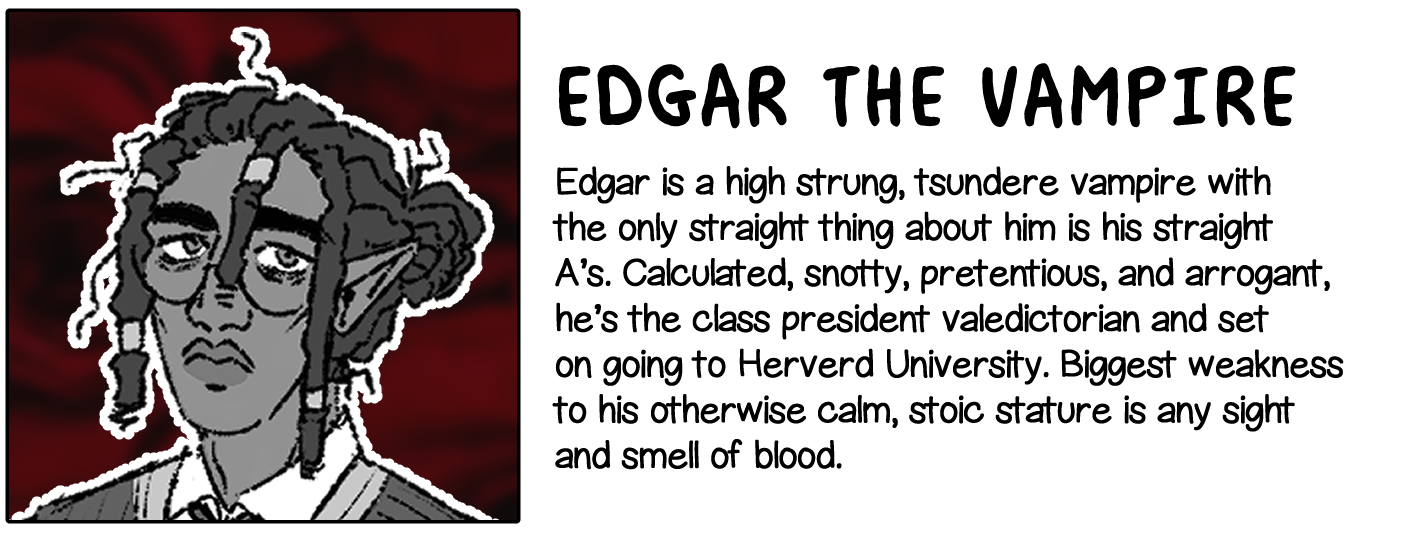
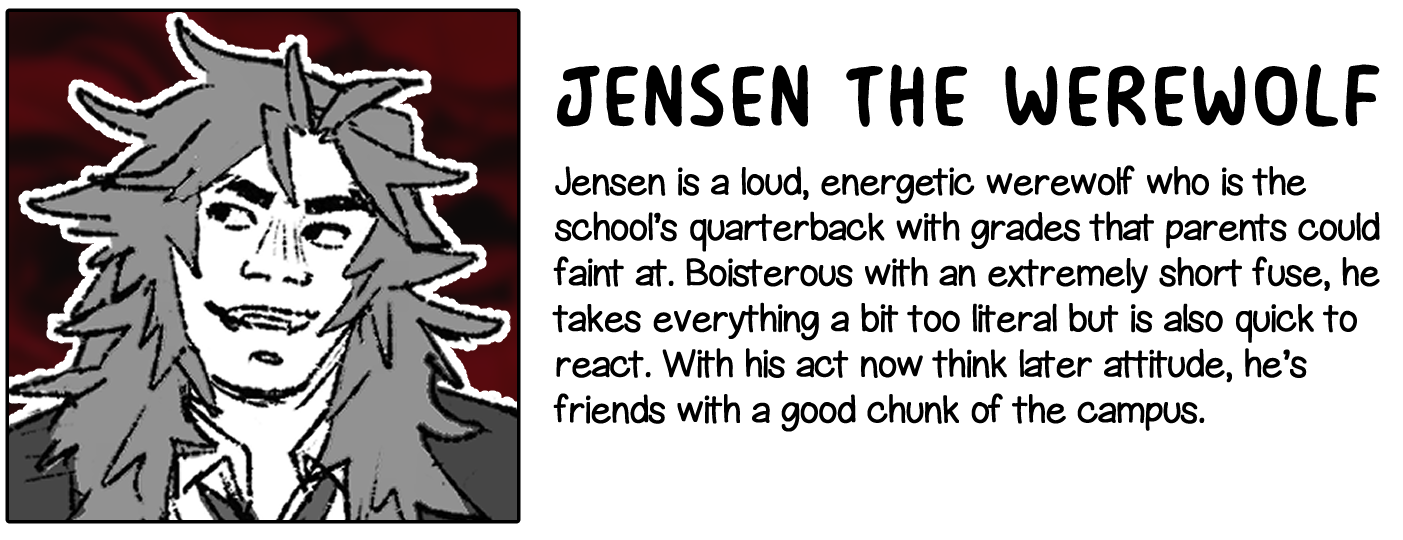
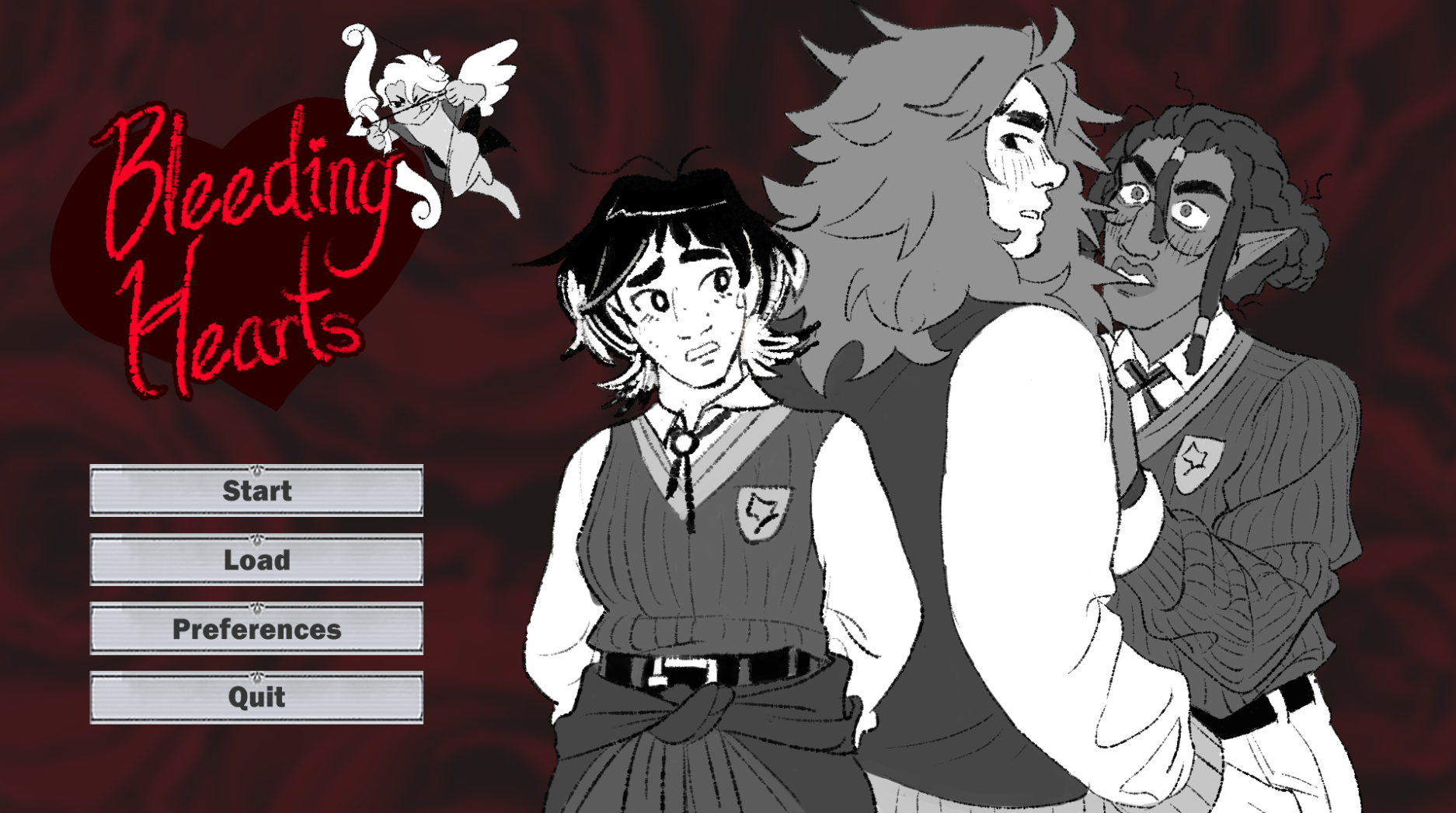
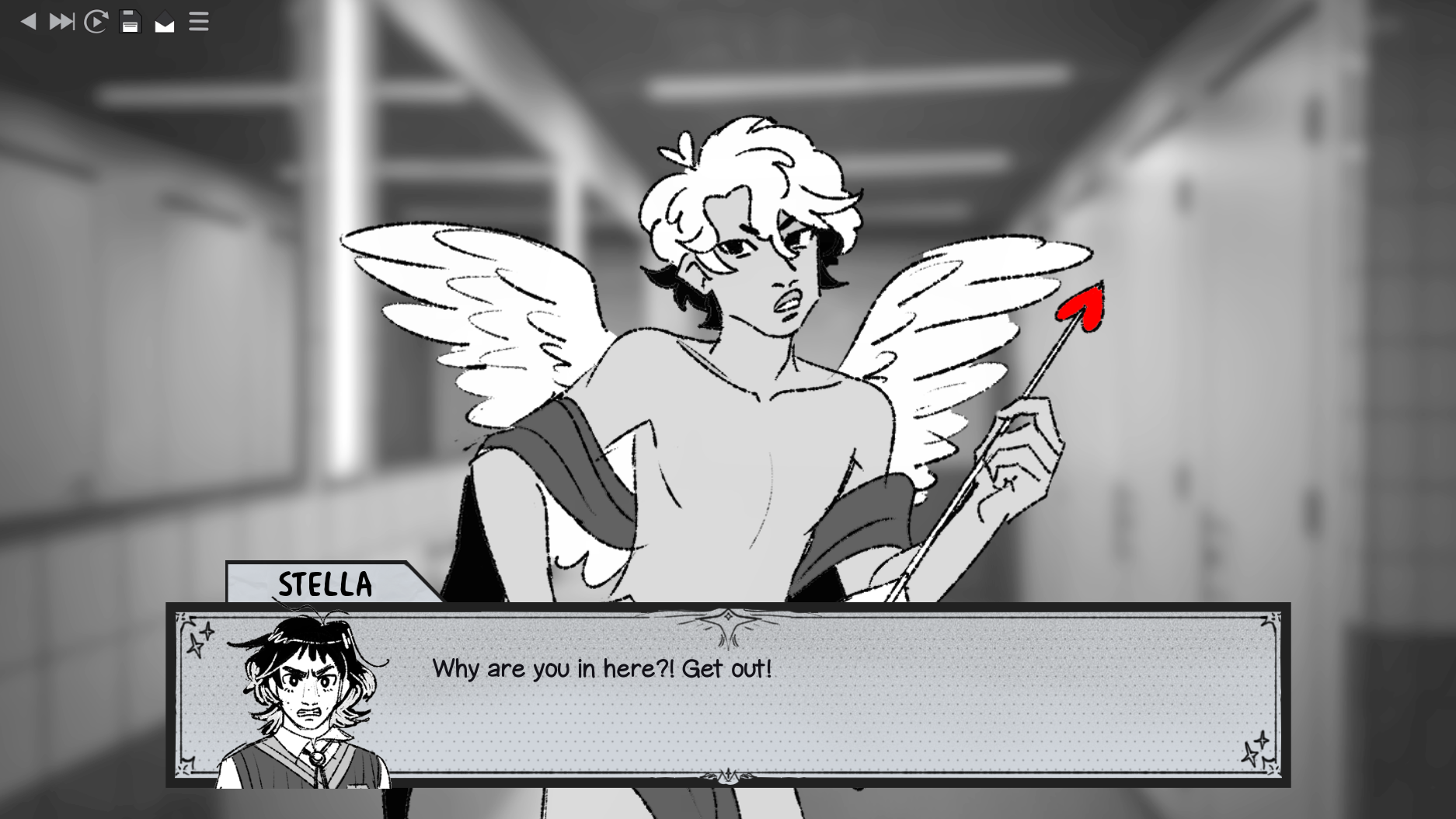
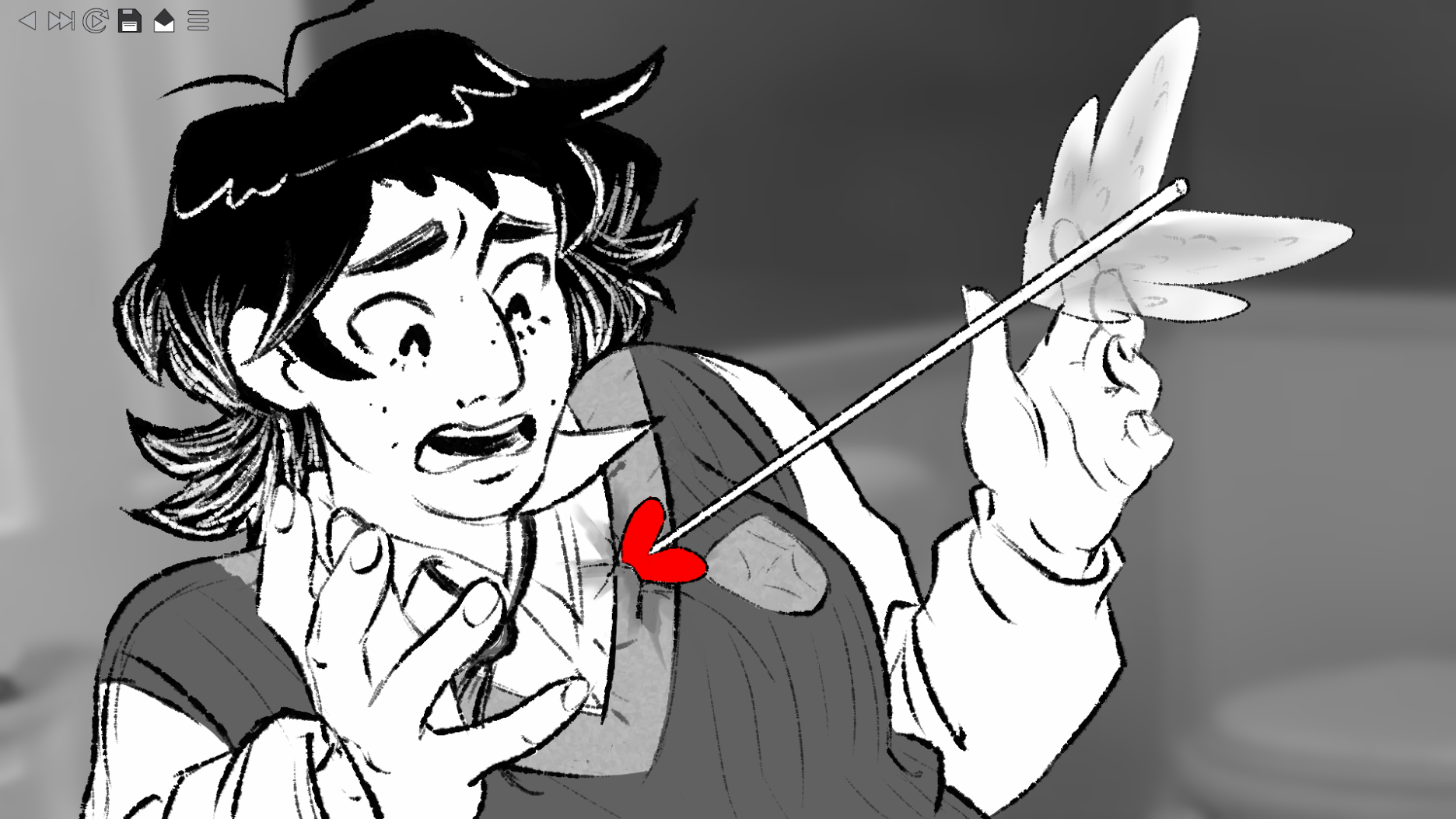
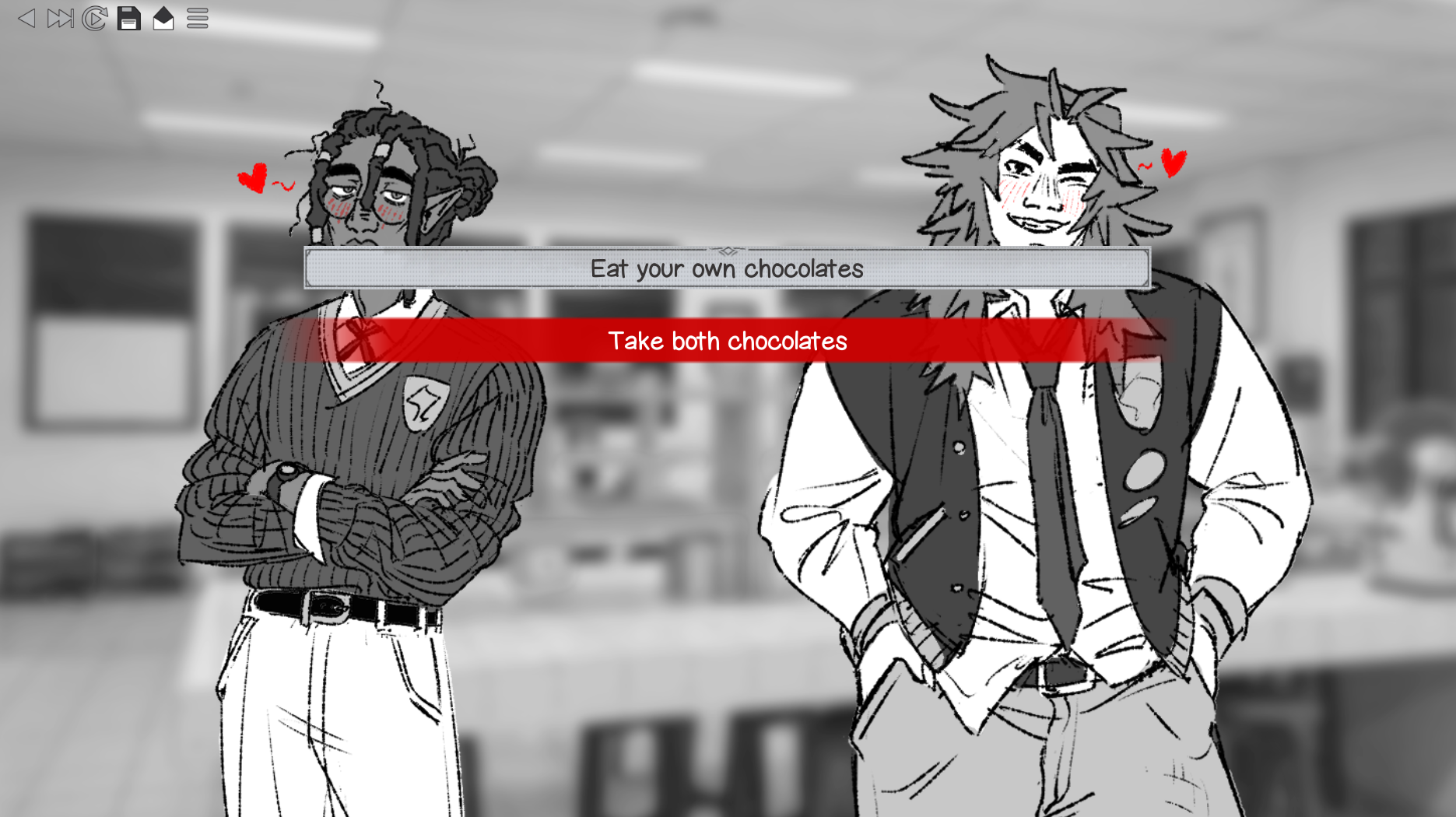
Caught in an accidental love triangle by Cupid, Stella has to make the academy’s biggest rivals, Edgar and Jensen, confess their love to each other by the end of Valentine’s Day.
Bleeding Hearts is both an urban fantasy LGBTQ+ 2D visual novel and a Twilight parody, created and developed by Team Cauldron. Navigate as Stella, Haunt Academy’s sole human student, where she must figure out how to make Edgar and Jensen fall in love with each other instead of her.
PLEASE NOTE: This is a finalized prototype with no additional updates and a direct spoof of Twilight. As this is the team’s first time making a game, this game is not supposed to be taken seriously. With that, we hope you enjoy this silly parody!

- 2 endings
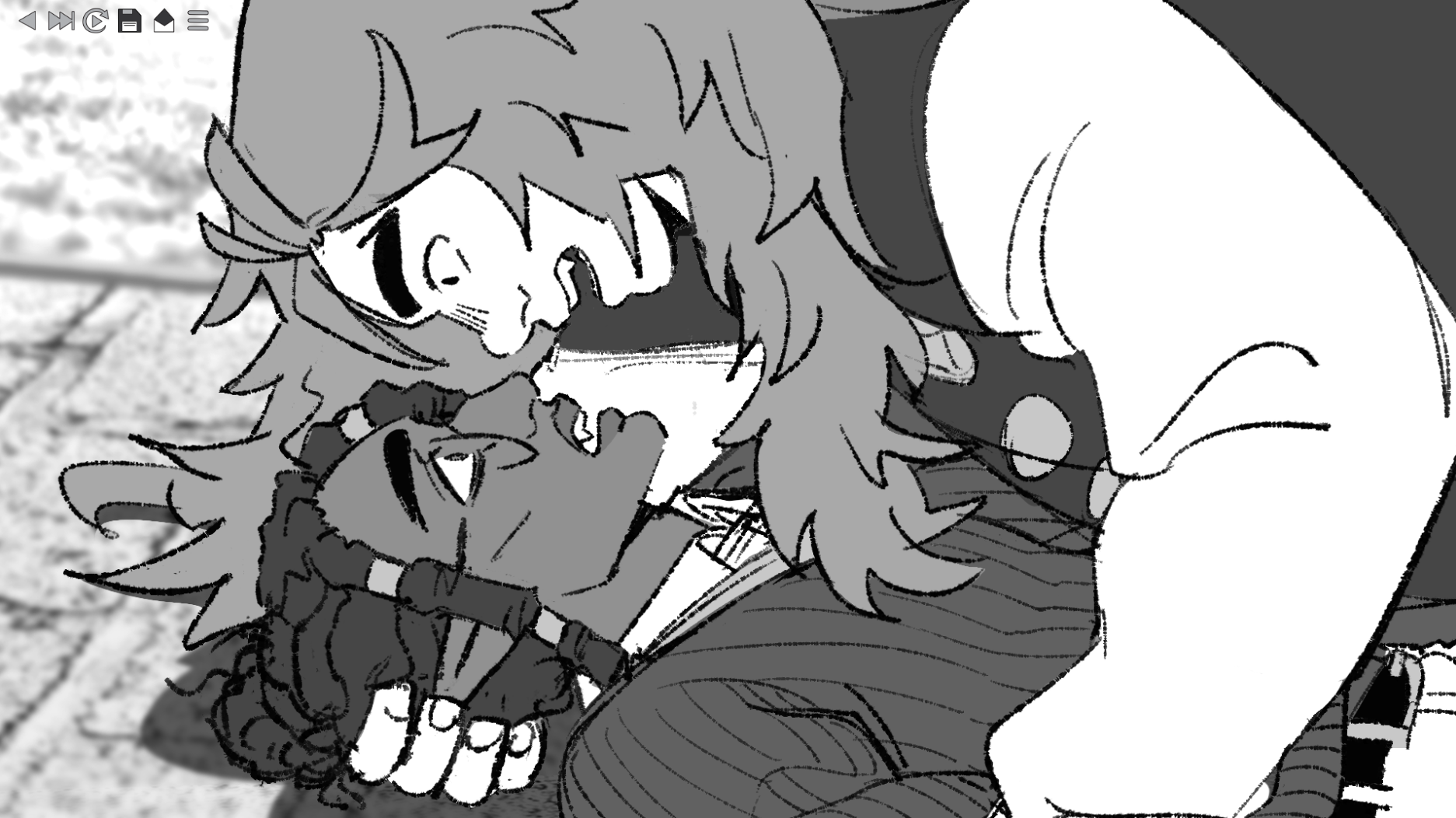
- 7 illustrated CGs
- Character driven story with ~10k+ words of dialogue
- Up to 1 hour of playtime for an ending
- See two boys that may or may not end up together!
CONTENT WARNINGS: Minor depictions of blood and bleeding

︵‿︵‿୨♡୧‿︵‿︵

A game by Team Cauldron
Development, Story, and Art: Team Cauldron
Music: Storyblocks, Bensound
Sound: floraphonic, Freesound, Serge Quadrado, YouTube Audio Library
︵‿︵‿୨♡୧‿︵‿︵
All tips and constructive feedback are welcome.
Thank you for playing our game, we hope you enjoyed it!
Download
Install instructions
There are separate zip files for the PC and Mac version of the game (named accordingly). To access the game, please download the zip file that matches your computer type. Then, right click on the zip folder and select "Extract All" and where you want to save the files to unzip the folder (you can also use programs such as WinRAR to help).
For PC, the game will be inside the "Bleeding_Hearts-1.0-pc folder. Click on the application file named "Bleeding_Hearts" and you're good to go! (the icon might also appear as the Ren'Py avatar).
For Mac, there's a few more folders to navigate through. Once extracted, open the folder "Bleeding_Hearts.app" then the "Contents" folder. Lastly, open the the MacOS folder, and click on "Bleeding_Hearts" to play the game!
If there are any difficulties in downloading and accessing the game, please let us know in the comments and we'll do our best to fix it right away.
Leave a comment
Log in with itch.io to leave a comment.